
1
Open a MIDI file or start a new song
Create a blank project, open a .mid file in the browser, or continue from an existing arrangement without installing a heavyweight desktop DAW first.
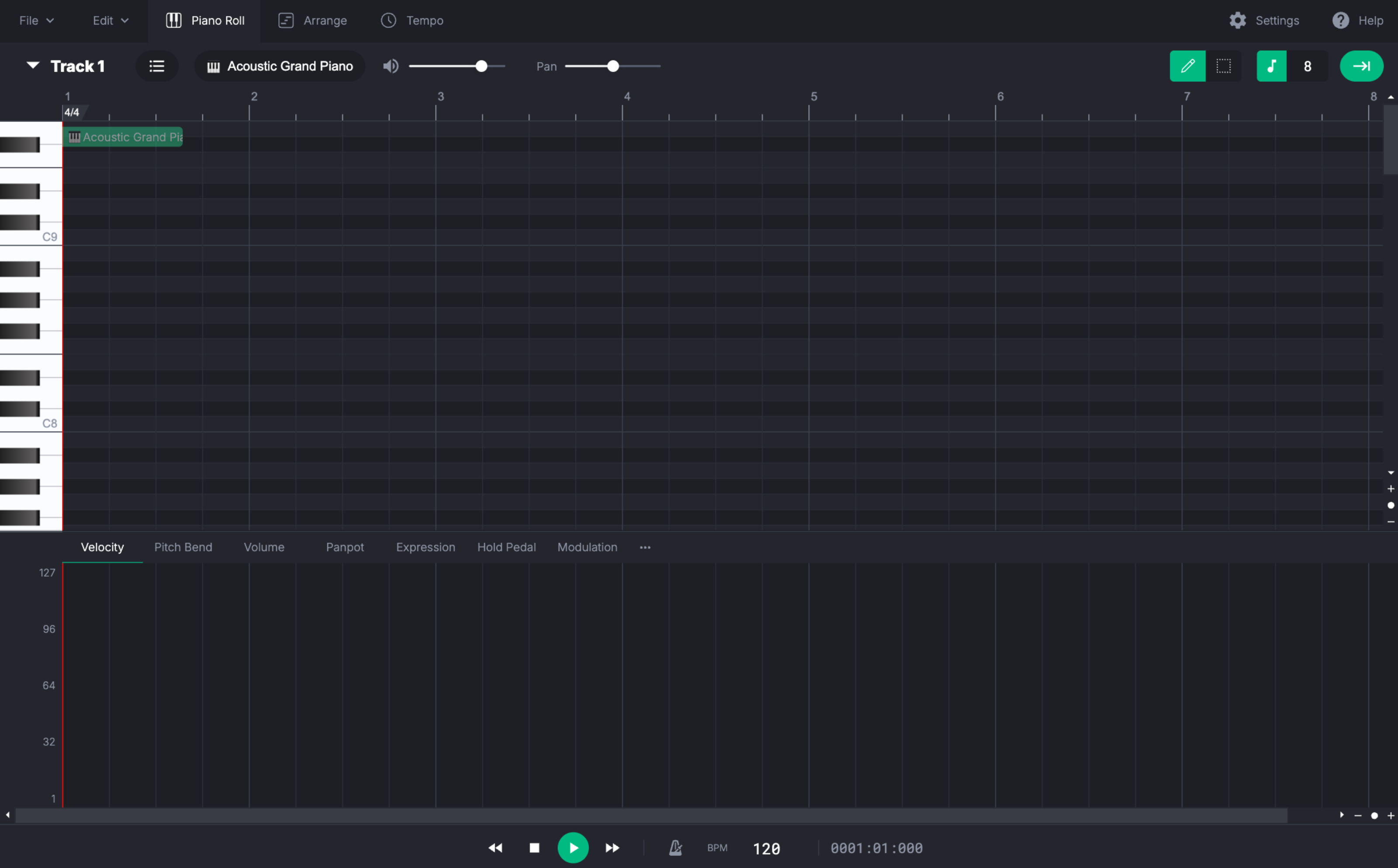
Use this free MIDI editor online to open MIDI files, edit notes in the piano roll, change tempo and time signatures, preview with SoundFonts, and export WAV, MP3, or MIDI.
This MIDI editor is designed for quick composition sketches and MIDI cleanup: open a file, make precise edits, preview the result, and export what you need.
Create a blank project, open a .mid file in the browser, or continue from an existing arrangement without installing a heavyweight desktop DAW first.
Work in the piano roll, adjust velocity, pitch bend, expression, and modulation, and add tempo or time signature changes where the song needs them.
Load a SoundFont, listen back in the browser, connect Web MIDI devices when supported, then save MIDI or export WAV and MP3.
Features
These sections describe the real editor workflow available on this site, so the landing page reflects the product instead of generic marketing copy.
Piano Roll
Use the piano roll for note editing, switch to the tempo graph or event graph, and keep track edits inside a lightweight multi-track sequencer.
Tempo + Control
Add BPM and time signature changes, edit velocity, pitch bend, expression, and modulation, and shape playback without leaving the browser.

Playback + Export
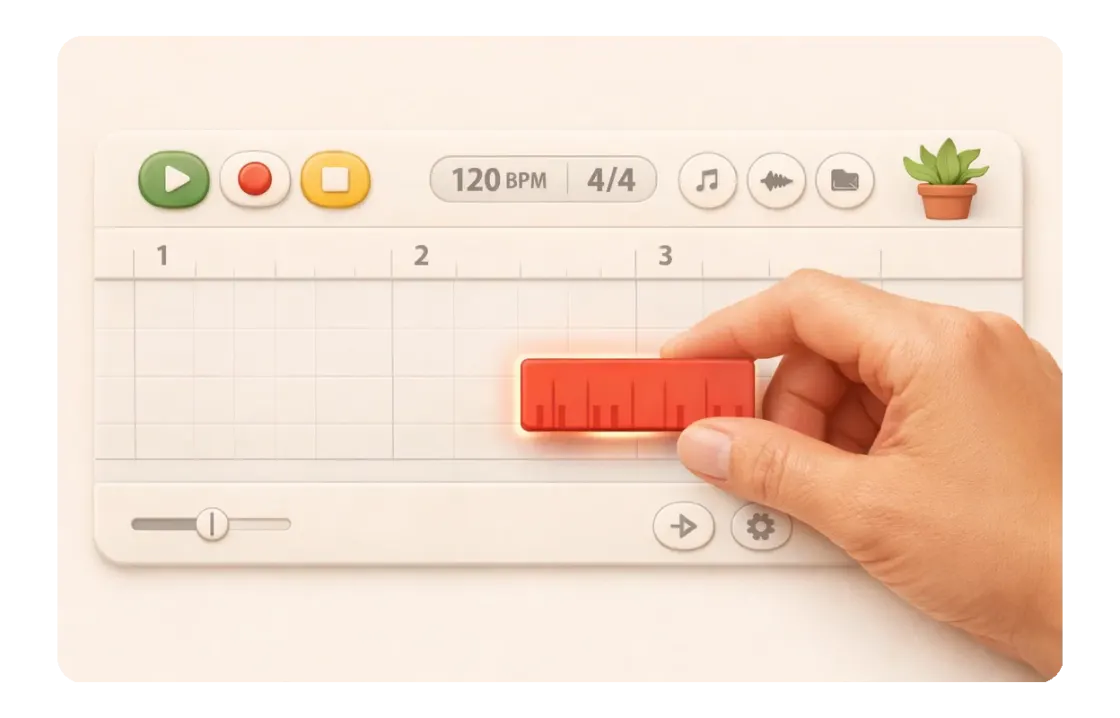
Preview with SoundFonts, connect MIDI input or output devices in compatible browsers, record MIDI input, and export WAV, MP3, or MIDI.
Real capabilities
This MIDI editor is designed for composing, sketching, and fast editing in the browser, with a focused workflow for notes, tempo, playback, and export.
Editing views
Tempo support
Export formats
Answers based on the current editor behavior, not planned features.
No. This editor focuses on MIDI composition, note editing, playback, and export in a streamlined browser workflow. For large recording, mixing, or plugin-heavy production, a full desktop DAW may offer more advanced tools.
Yes. The editor includes tempo editing and supports time signature changes, including non-4/4 sections.
Yes. You can load supported SoundFont files in settings, and compatible browsers can use Web MIDI devices for input and output.
You can record MIDI input, save MIDI files, and export audio renders as WAV or MP3.
The editor has PWA support and offline caching. After it loads and installs successfully, many workflows can continue without a constant connection.
Open the MIDI editor online, make the changes you need, and keep your workflow light.