
1
Upload an MP3, WAV, FLAC, or OGG file
Start an MP3 to MIDI or WAV to MIDI workflow by uploading a file directly on the page.
AI Audio to MIDI
Convert audio into editable MIDI online. Upload a piano phrase, guitar riff, vocal melody, or drum sketch, then download a MIDI draft for Ableton, FL Studio, Logic Pro, or our MIDI editor.
Upload a file, let the transcription pass trace notes and pitch movement, then download a standard MIDI file for editing.
Start an MP3 to MIDI or WAV to MIDI workflow by uploading a file directly on the page.
The conversion pipeline down-mixes the source when needed, resamples it for inference, and extracts note events, durations, amplitudes, and pitch-bend style detail.
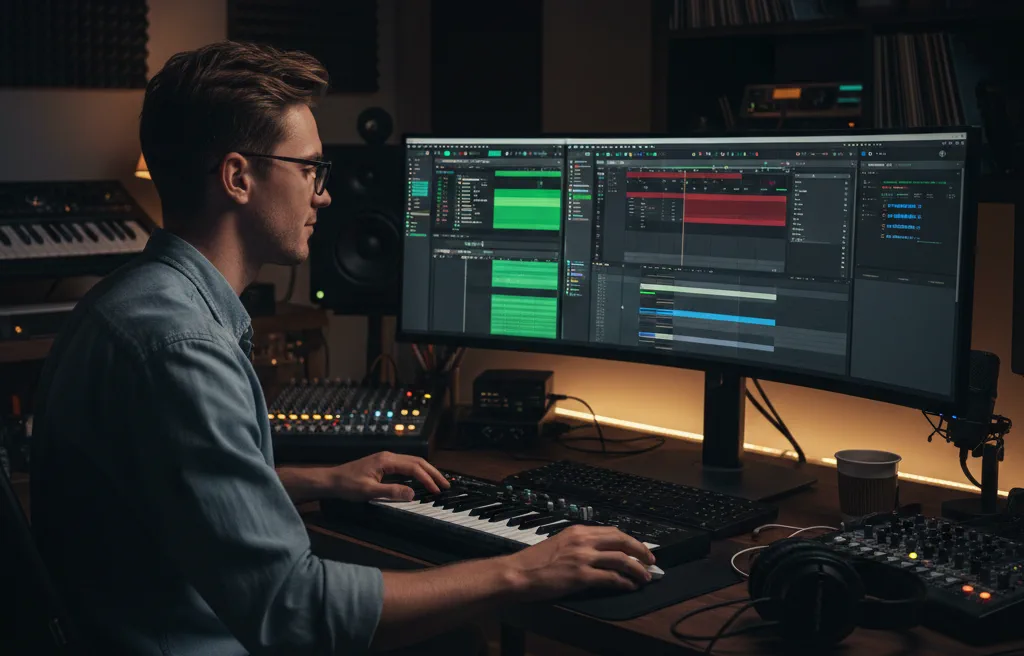
Take the exported file into Ableton, FL Studio, Logic Pro, or our MIDI editor to clean up voicings, fix rhythm, and finish the arrangement.
Features
The workflow focuses on practical transcription, note extraction, and editable MIDI export instead of generic AI copy.
AI transcription
The transcription flow is instrument-agnostic and can detect multiple notes at once, which makes it useful for piano parts, guitar ideas, vocal melodies, and other clearly separated sources.

Fast workflow
For quick conversions, you can upload common audio files and get a note draft without opening a full recording session just to sketch ideas.

Edit-ready export
The exported file is meant to be a practical starting point: review the note timing, clean up voicings, adjust controllers, and keep moving in the toolchain you already use.
Conversion facts
These are the practical constraints and strengths behind the current workflow, so you know where the converter is fast and where manual cleanup still helps.
Common input formats
Inference sample rate
Pitch-bend aware export
Use Cases
These use cases cover the most common ways people approach the tool, from instrument-specific extraction to DAW handoff and file-type based workflows.
Instrument
Convert piano audio to MIDI for reharmonization, notation cleanup, layered instruments, or fast sketch work when you want the performance inside a piano roll.
Instrument
Turn single-note guitar hooks, lead lines, and riffs into editable MIDI for synth doubling, bass drafting, or arrangement experiments.
Instrument
Pull a topline from sung audio, capture a melody contour, or move human phrasing into a note editor as a fast starting point.
Instrument
Sketch kick, snare, and hat ideas from audio before tightening the pattern manually in your sequencer.
DAW
Download a standard MIDI file and move straight into common DAWs for sound replacement, orchestration, layering, or arrangement cleanup.
File type
Handle quick MP3 demos, cleaner WAV stems, or other common exports when you need a fast note draft instead of a full restoration workflow.
Practical answers for the current converter, including what kinds of files it handles best and where cleanup is still part of the process.
No. You can upload a supported audio file, run the conversion, and download a MIDI result directly from the page.
Common files such as MP3, WAV, FLAC, and OGG are the intended inputs. Cleaner stems, short loops, and focused melodic material usually produce better MIDI than dense full mixes.
It can, but the strongest results usually come from one prominent instrument, one clear vocal melody, or a more isolated rhythmic idea. Full-song mixes often need manual cleanup after conversion.
Yes. The output is a standard MIDI file, so you can import it into major DAWs, replace sounds, adjust quantization, edit harmony, or route it to other instruments.
When the source audio contains clear pitch movement, the generated MIDI can include pitch-bend style detail alongside note timing, duration, and amplitude data.
Yes, with realistic expectations. Piano parts, guitar lines, vocal melodies, and drum grooves are all sensible entry points, but each benefits from clear source material and a short review pass after export.
Open the result in our MIDI editor, fix note timing, edit tempo or controller data, and keep the workflow moving without switching tools.